AcChamfer3D logo & raised letter unfolding software
Model a 3D logo and unfold it on one page — from chamfered stainless sign letters to sharp-ridge car emblems. Upload → 3D → unfold every part → nest on the sheet → DXF / SVG ready for the cutter.
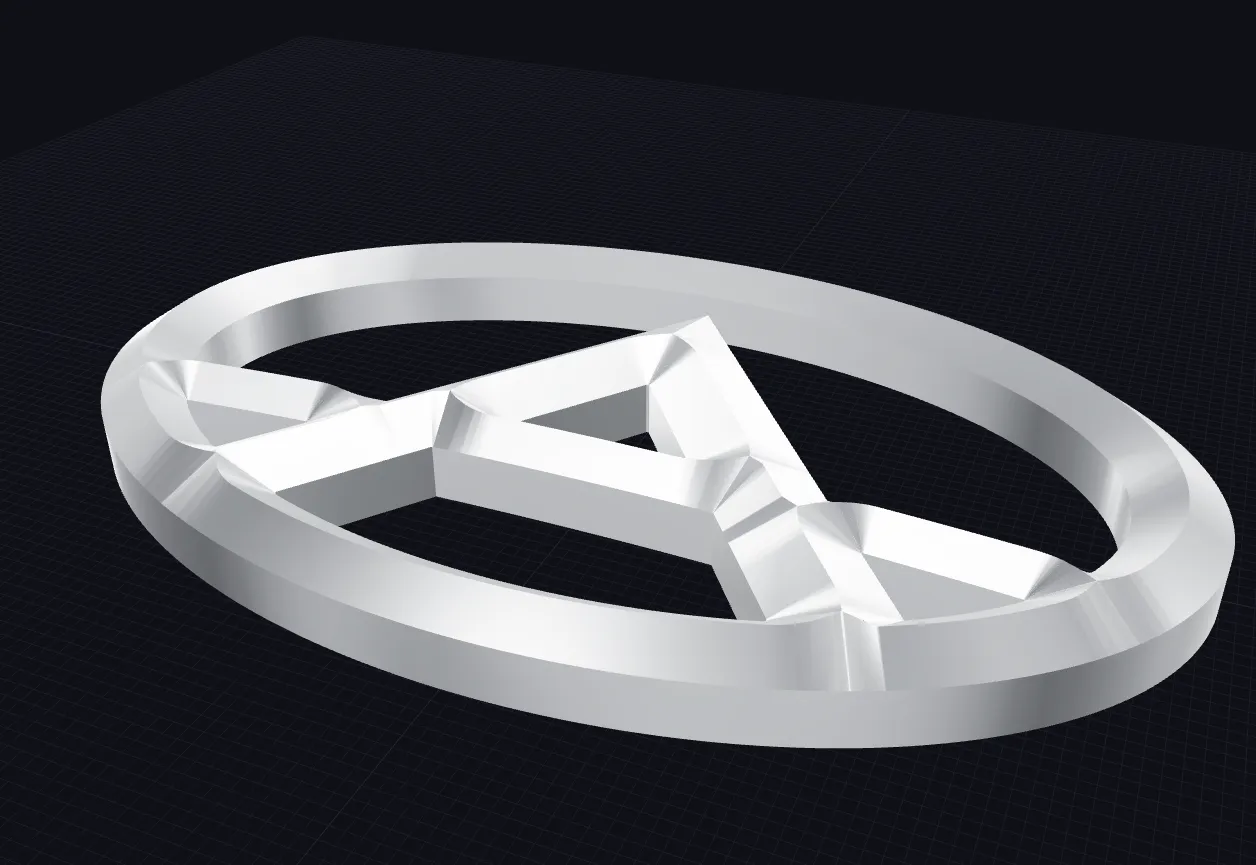
- 3 styles
- Return · chamfer · sharp ridge
- 5 materials
- Steel, stainless, zinc, PVC foam, wood
- 6 formats
- DXF SVG PDF DAE OBJ PNG
- Free
- Use and preview everything
From a 2D logo to a 3D sign in 4 steps
 1
Upload your logo
SVG, PNG or JPG — images are traced into smooth curves in the browser
 2
Shape the edge
Return h₁, bevel h₂ and angle θ, or a sharp ridge — the 3D updates live
 3
Automatic unfolding
Every part flattened with part numbers, fold lines and seams
 4
Nest + export
True-shape nesting on your sheet, then export DXF / SVG
What you can make

Car-emblem style logos
Oval emblems with a level sharp ridge and clean junctions — for showrooms and service centres

Raised Thai lettering
Traced straight from a PNG; loops and tails unfold into complete parts

Chamfered stainless letters
Straight return plus a 45° face chamfer, with thickness compensation
Ridges that meet cleanly — no leaks
Both sloped faces meet along the centre of the stroke. Choose equal height (car-emblem look) or equal angle (ridges that really fold from one sheet). Every rebuild checks for gaps and overlaps at tight inside corners and rounds them automatically.
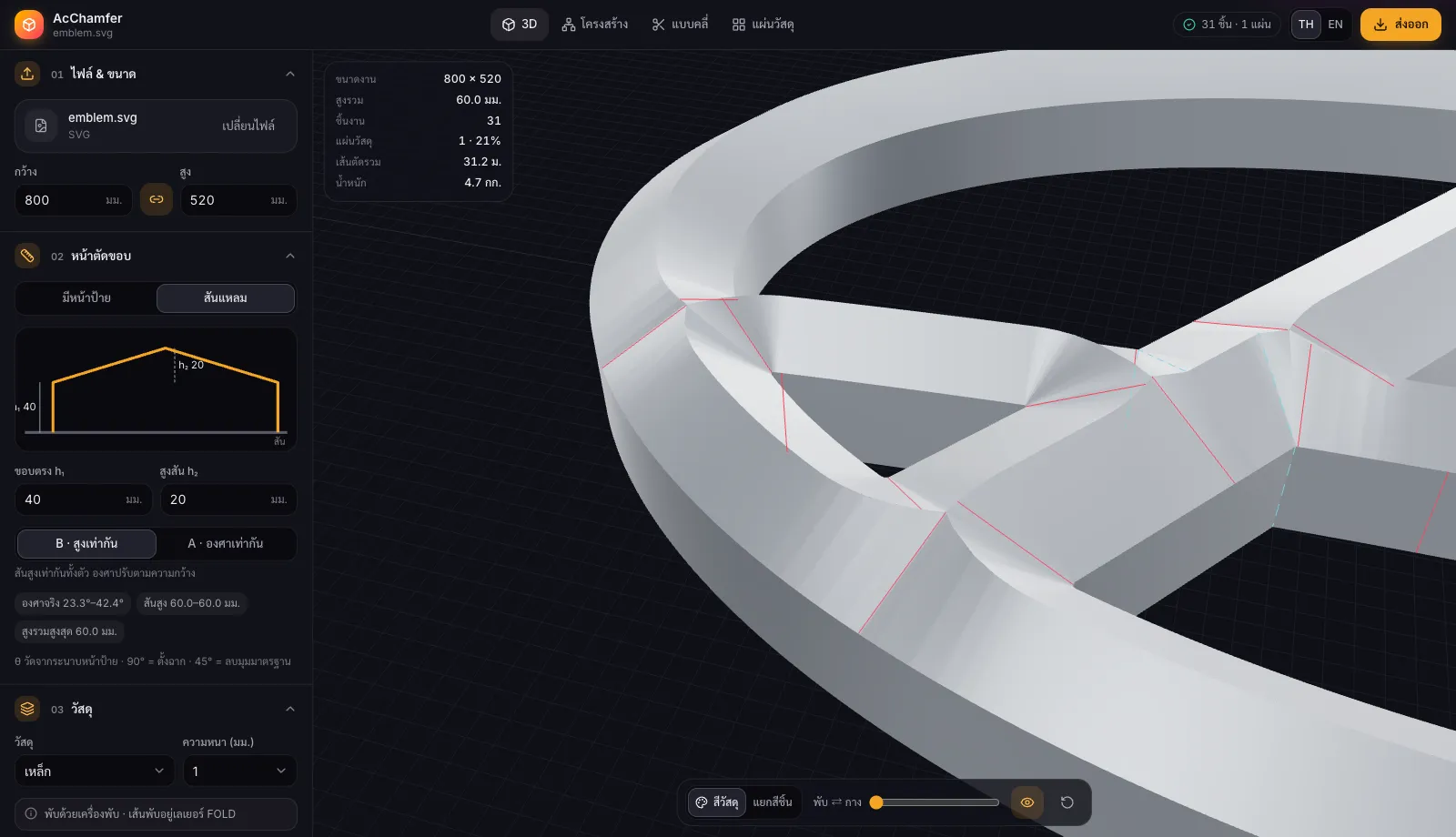
Seams placed for you, fully editable
Seams are placed so each part unfolds without overlap and fits the sheet. In the structure view, click to toggle fold / cut corners and fold / weld ridges, or move seams to the hidden side.

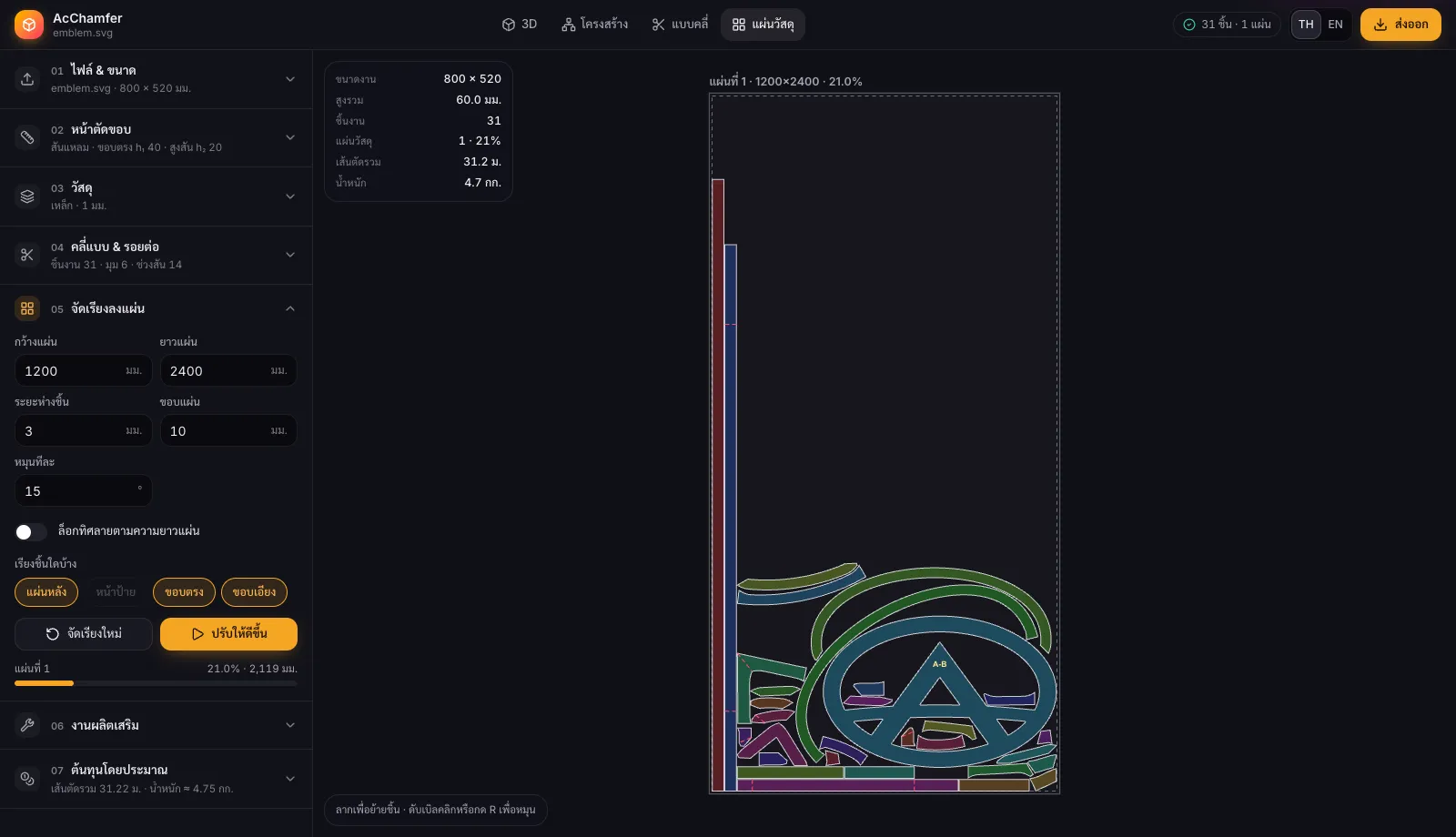
True-shape nesting saves material
Enter your sheet (default 1200 × 2400 mm), gap and rotation step; curved strips nest inside each other, grain can be locked and parts dragged by hand.
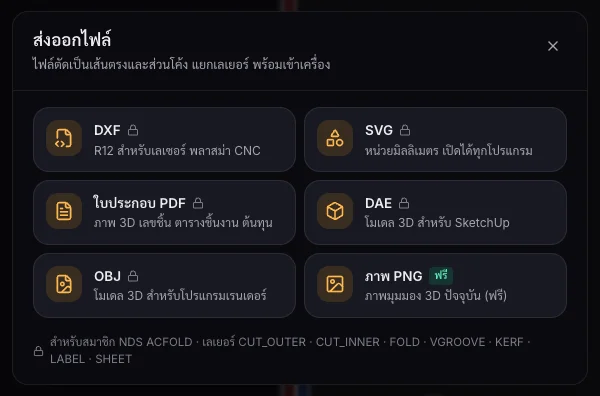
Layered DXF / SVG with true arcs
Separate layers for outer and inner cuts, folds, V-grooves, kerfs and labels; plus an assembly PDF with a numbered 3D view, parts table and cost, and a DAE model for SketchUp.
Unfolded the way each material is formed
The old way vs AcChamfer
| Task | Old way | With AcChamfer |
|---|---|---|
| 3D model | Model each letter in SketchUp / 3ds Max | Upload the logo, get 3D instantly |
| Unfolding bevels / ridges | By hand or face by face | Every part unfolded and numbered |
| Ridge inside corners | Faces do not meet, patched on site | Leaks detected and repaired |
| Material thickness | Guessed allowances | Thickness and K-factor per material |
| Sheet layout | Arrange by hand in CAD | Automatic true-shape nesting |
Who it is for
- ✓Sign shops and laser / plasma cutters
- ✓Car-emblem and showroom sign makers
- ✓Stainless façade lettering
- ✓PVC foam and wood raised letters
- ✓Designers presenting 3D to clients
Step-by-step guide with troubleshooting
A screenshot-by-screenshot manual (Thai) — file prep, edge settings, seams, nesting, export, plus the common problems and how to fix them.
Open the AcChamfer guide →FAQ
What is AcChamfer?
An online tool by NDS ACFOLD that turns a 2D logo (SVG/PNG/JPG) into chamfered or sharp-ridge 3D letters, unfolds every part, nests them on your sheet and exports DXF/SVG cut files.
Can it make car-emblem style signs?
Yes. Sharp-ridge mode makes both faces meet in a centre ridge, like a car emblem, and unfolds every part. Use logos you are licensed to reproduce.
Do I need a 3D model first?
No. AcChamfer builds the 3D model from your 2D logo and the edge heights and angle you enter.
Which machines read the files?
DXF R12 and SVG made of lines and true arcs, layered for cut / fold / V-groove / label — readable by CypCut, RDWorks, LightBurn, Aspire and common CAM software.
Is it free?
Using and previewing everything is free, PNG export is free; production files (DXF/SVG/PDF/DAE/OBJ) are for NDS ACFOLD members.
Try it with your own logo
Use and preview everything for free; production-file export is for NDS ACFOLD members.
Other NDS ACFOLD tools
Automatic 3D → 2D unfolding in SketchUp for signage and composite boxes
Read more →Online composite box unfolding, no installation required, works in the browser
Read more →Channel Letter edge roll unfolding with v-grooving and 3D preview
Read more →Parametric 3D fold pattern simulator with 20+ patterns and CNC export
Read more →